
Boat, yacht and ship radars

Radar repair: Furuno and other marine radars

Does your radar fail to start, show no targets or lose its antenna connection? VOMRO assesses repair requests for marine radars used on boats, yachts and ships, including Furuno radar repairs, based on the make and model, fault symptoms and existing connections. The circuit board, power supply, display and antenna unit are examined together to determine whether repair is technically suitable and what testing is required. You can share photographs of the device label and error screen for an initial assessment.

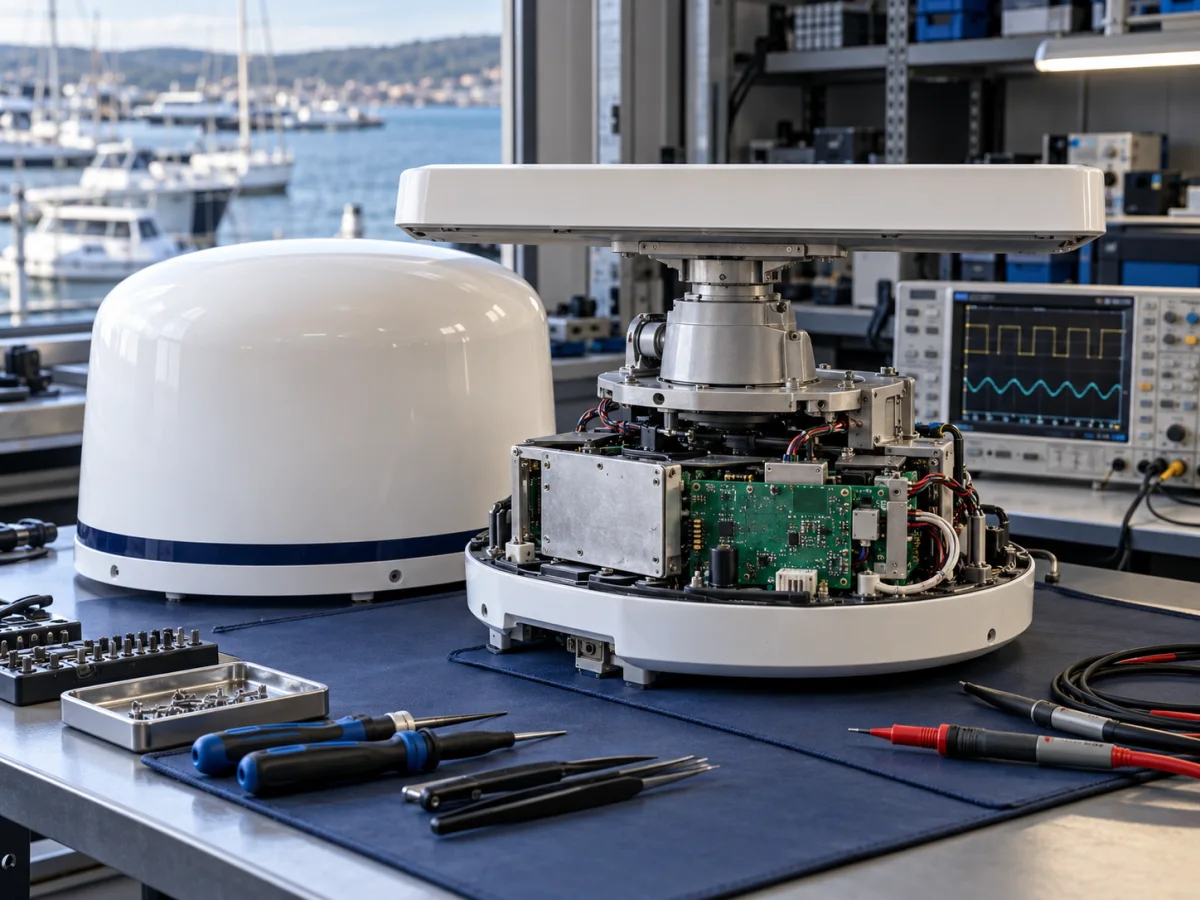
Service workbench with a marine radar unit and electronic inspection equipment
Illustrative service image showing a marine radar technical inspection.
ApplicationBoat, yacht and ship radars
InspectionBased on model and fault symptoms
ScopePower, connections and electronics

VOMRO's technical inspection approach

We investigate radar faults by identifying the stage at which the system stops working.

A marine radar comprises an antenna or scanner, display, power supply line and data connections. A display turning on does not by itself show that the antenna is working; an antenna rotating does not prove that it is producing a correct target image. It is therefore important to describe the symptoms accurately before radar repair: does the problem occur at startup, when transmitting or during navigation? Continuous and intermittent faults are assessed separately.

Radars may contain high voltages and radio-frequency energy. Opening the housing, working on the antenna and taking live measurements should be left to qualified technical personnel. Users may carry out the external checks permitted in the manufacturer's manual for their model; recording error codes and current settings helps the inspection.

01

Furuno radar repair: start with the model and fault details

For an initial assessment of marine radars such as the Furuno 1835, 1935 and 1945, share photographs of the display and antenna unit labels. A device that does not power on, transmits without displaying echoes or shows weak targets requires different checks. Include any error code, the selected range and when the problem began. Recent cable replacement, maintenance or changes to power connections are also part of the fault history. Details of earlier repairs should be included in the preliminary assessment.

The manufacturer's manual for these models addresses power and connection checks for failure to start, antenna cabling when the display is on but there are no echoes, and sea clutter settings when waves produce strong echoes in separate sections. This distinction helps avoid treating every image problem as a board or magnetron failure. The scope of Furuno radar repair depends on technical inspection and parts availability. Start with labels, the error screen and observed symptoms rather than intervening inside the unit; we can then identify the required units together.
02

Radar does not start or shuts down during operation

When a device does not power on, the display and main board are not the only possibilities. The boat's supply, fuse, power cable, connectors and, depending on the model, an intermediate power unit also form part of the fault chain. Loose connections and corrosion can cause voltage drops, particularly as load increases. An apparently suitable nominal battery voltage does not prove that the supply at the device input remains adequate during operation.

Mention if the radar shuts down only when switching to transmit or restarts when an engine starts. If a blown fuse, burning smell or water ingress accompanies the problem, arrange an inspection instead of repeatedly powering the device on. Changing the ratings of protective components to suppress a fault is not a suitable repair method.

03

Display is on, but radar targets and echoes are missing

If range rings and text are visible but target echoes are absent, the display and the section producing radar data are assessed separately. Standby or transmit state, antenna connections, the selected radar source and any error messages provide initial information. A black or empty radar area alone does not identify a particular failed component.

Gain and sea or rain clutter suppression settings also affect the image. Excessive suppression can make weak targets harder to see. Inspection distinguishes setting-related conditions from power supply, transceiver or signal-processing faults. Comparing a previous normal image with the faulty image at the same range and under similar conditions is useful.

04

Radar antenna does not rotate or reports a rotation fault

An antenna that does not rotate may be affected by operating state, antenna power, model-specific mechanical drive or rotation sensing. Some systems display heading line, azimuth or antenna loss warnings. The exact message and error code help distinguish different conditions that look similar.

Share the device model and observed symptom instead of moving the antenna by hand or approaching rotating parts. Open-array antennas and enclosed radomes do not follow identical service procedures. Antenna removal, transport arrangements and whether it must be sent with the display are clarified after assessment.

05

Radar not found warning and interrupted data connection

If a radar source is missing from a multifunction display, antenna power, data cabling, network connections and device compatibility are examined. Some radars use wired Ethernet or proprietary network connections, while others use Wi-Fi. One system's connection method cannot be applied to another; matching the display and scanner models is as important as the connector type.

Incompatible software versions can affect communication. Before an update or factory reset, the manufacturer's instructions and preservation of records are considered. Share the history if the problem began after installing a new display, changing a cable or updating software. A connection-related fault does not necessarily require circuit board repair.

06

Moisture, corrosion and connection damage on the radar circuit board

Salt-laden moisture, condensation and sealing problems can damage connectors and circuit boards. Inspection considers affected traces, connections and associated power sections, as well as visible oxidation. A clean-looking board is not proof of electrical integrity; the symptom must be related to measurements.

Whether board-level radar repair is appropriate depends on the extent of damage, multilayer PCB structure, suitable component availability and the ability to verify the repair. Severe corrosion or inaccessible manufacturer modules may limit repair options. Working only on the board without correcting the source of water ingress does not eliminate the cause of recurrence.

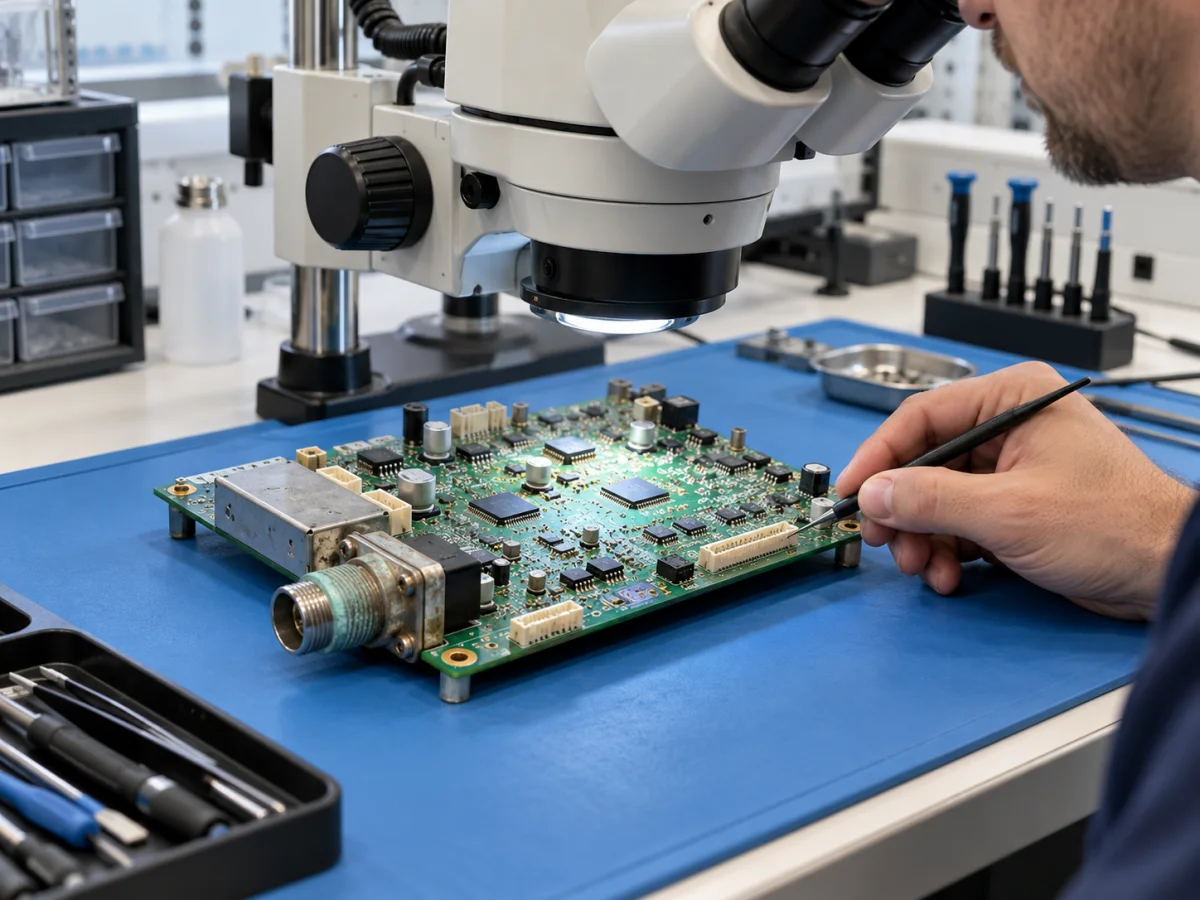
Close inspection of connections on a de-energised marine radar circuit board
Illustrative image of a radar circuit board and connection inspection.
07

Magnetron and solid-state radars require different repair approaches

Traditional magnetron marine radars and solid-state models using semiconductor transmitters have different architectures. A magnetron may lose performance with time and use, but a weak target image alone is insufficient grounds for replacing it. Settings, connections, power and other parts of the system must also be evaluated.

Solid-state radars do not contain a magnetron. Describing work on these devices as magnetron replacement would be incorrect. The model's technology, manufacturer documentation and accessible test information determine the repair approach. A single component replacement interval or identical checklist should not be assumed to apply to all radars.

08

How do inspection, repair and testing proceed?

The reported fault, current device condition and suitable test connections are recorded first. Following the technically feasible inspection, findings, proposed work and available parts are evaluated. This information defines the repair scope. Merely powering on the device is not considered sufficient confirmation that the reported problem has been resolved.

Depending on the fault and available equipment, testing may cover power stability, restarting, data connections and relevant functions. Any need for integrated checks with the antenna, display and boat network is stated separately. Results that can be verified on the bench are distinguished from functions requiring checks after installation or under suitable field conditions. The test scope, conditions tested and any remaining limitations are clearly shared.

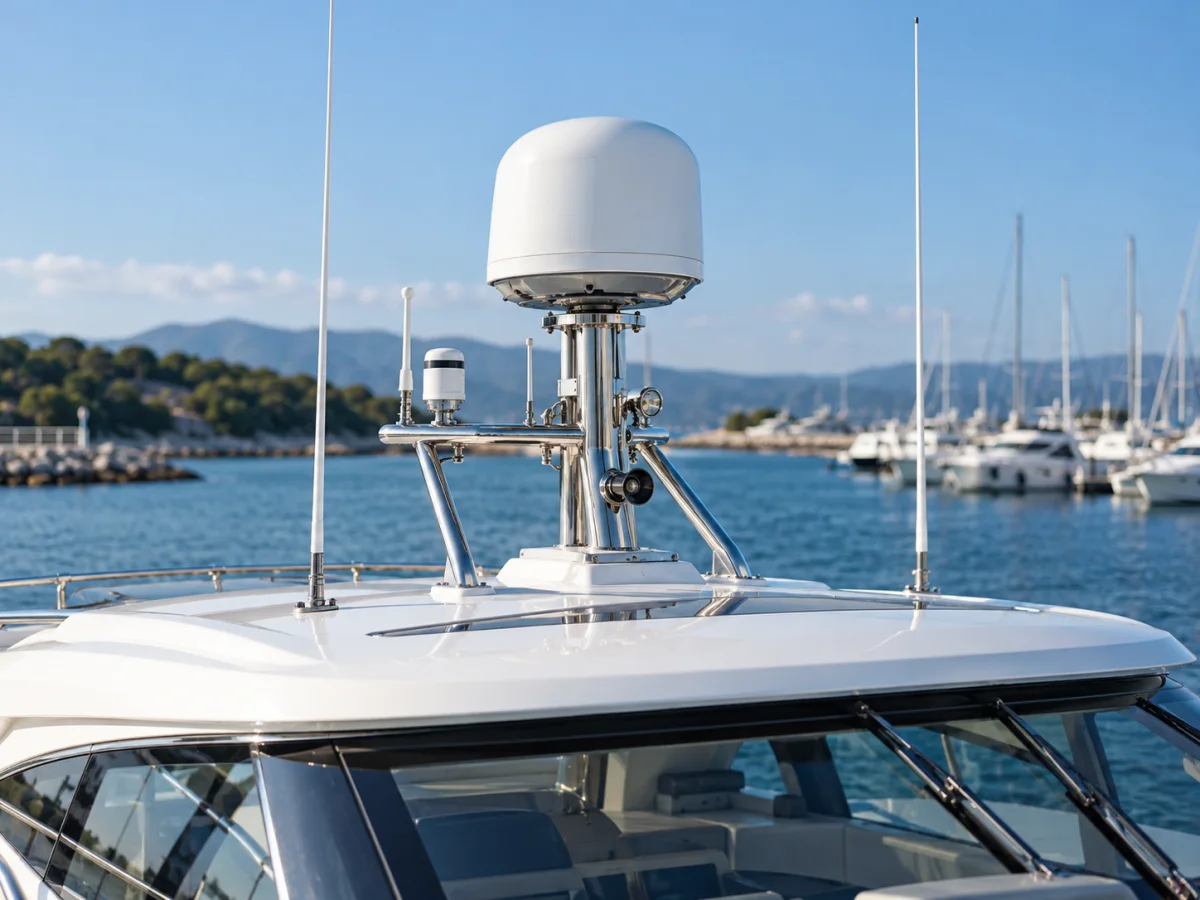
Enclosed radome marine radar antenna mounted above the bridge of a motor yacht in a marina
Illustrative application image showing a marine radar antenna on a boat.
09

Radar repair pricing and information needed for an initial assessment

Marine radar repair cost varies with the device model, fault location, board or module damage, parts procurement and required tests. It may not be possible to give a firm price and turnaround from a single remotely observed symptom. The scope of inspection and repair charges should be clarified along with any parts lead time. Repair and device replacement can also be compared for cost and technical suitability.

Send the following information when first contacting us. To avoid missing accessories or transporting the wrong unit, let us identify the required parts together before you remove and ship the device.

  • Makes, models and label photographs of the display and antenna units.
  • The error message, error code and, if possible, a short video showing the problem.
  • The conditions when the fault began, how often it occurs and recent changes.
  • Details of water ingress, impacts, previous work and existing cables or accessories.

How it works

From fault report to test results.

The device model, fault findings and parts availability determine the inspection, repair and test scope.

  1. 01

    Share the model and symptoms

    Let us make an initial assessment using device labels, error codes and fault history.

  2. 02

    Plan the inspection

    Identify the required units, connections and technical inspection scope.

  3. 03

    Clarify the repair decision

    Review the findings, parts availability, work scope and cost together.

  4. 04

    Verify the result through testing

    Share the checks performed and any tests that need to be completed on the boat.

Frequently asked questions

Frequently asked questions about radar repair

The units needed for inspection, repair scope and test conditions are determined for your device.

Which marine radar brands can I request repairs for?

You can submit a request with model details for various brands, including Furuno, Raymarine, Garmin and Simrad. Repair suitability is assessed according to the device architecture, documentation and parts availability, and testing capabilities. Sharing the display and antenna model labels helps the initial assessment.

Is sending only the radar display enough?

Not always. Depending on the symptom, the antenna, intermediate power unit, network cable or matching display may be needed. Share the display and antenna models first so a technical assessment can identify which parts to send.

How long does radar repair take?

Turnaround depends on reproducing the fault, the extent of damage, parts availability and testing requirements. A single delivery timeframe cannot be given for all radars before the initial inspection and supply situation are assessed.

Can a radar board damaged by water or corrosion be repaired?

This depends on the extent of damage. Corrosion may have reached traces and internal layers. Cleaning alone does not establish that a repair is complete; electrical inspection, functional testing and correction of the water ingress cause are required.

Does a weak radar image mean a magnetron fault?

This symptom alone is insufficient to decide. Gain and clutter suppression settings, connections and power are also examined. Solid-state radars do not use magnetrons, so the work is determined by the device's technology.

Will a factory reset fix a radar fault?

It may help with some configuration problems, but may not resolve hardware faults and can erase user data. Current settings and error messages should be recorded; a reset should only be carried out after considering the manufacturer's model-specific instructions.

Let us assess your radar fault together

Send your radar model and fault symptoms

Share the display and antenna labels, error message and when the problem occurs. Together, we can define a suitable initial scope for technical inspection and radar repair.