VOMROIndustrial Technology

Robotics for industry and manufacturing

Robot technologies: custom robot arms, autonomous mobile robots and ROS 2

Robot technology is the combination of mechanical, electronic and software layers that perform a task with the same accuracy every time. On this page we explain in plain language what a custom robot arm is, how an autonomous mobile robot (AMR) picks up material, delivers it to a target and returns, what ROS 2 (Robot Operating System), the common language of these systems, is, and how robot web services let you manage robots from a browser or from factory software.

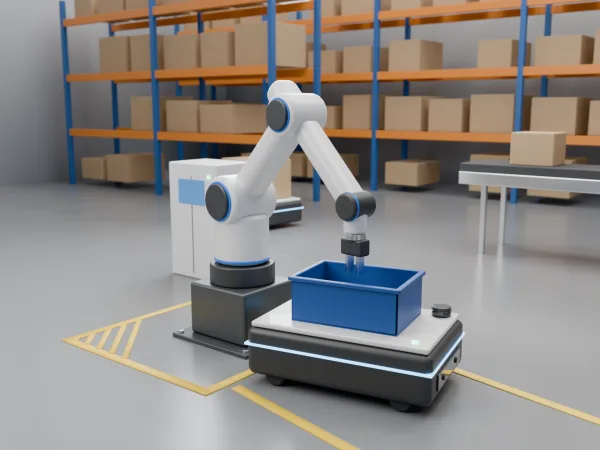
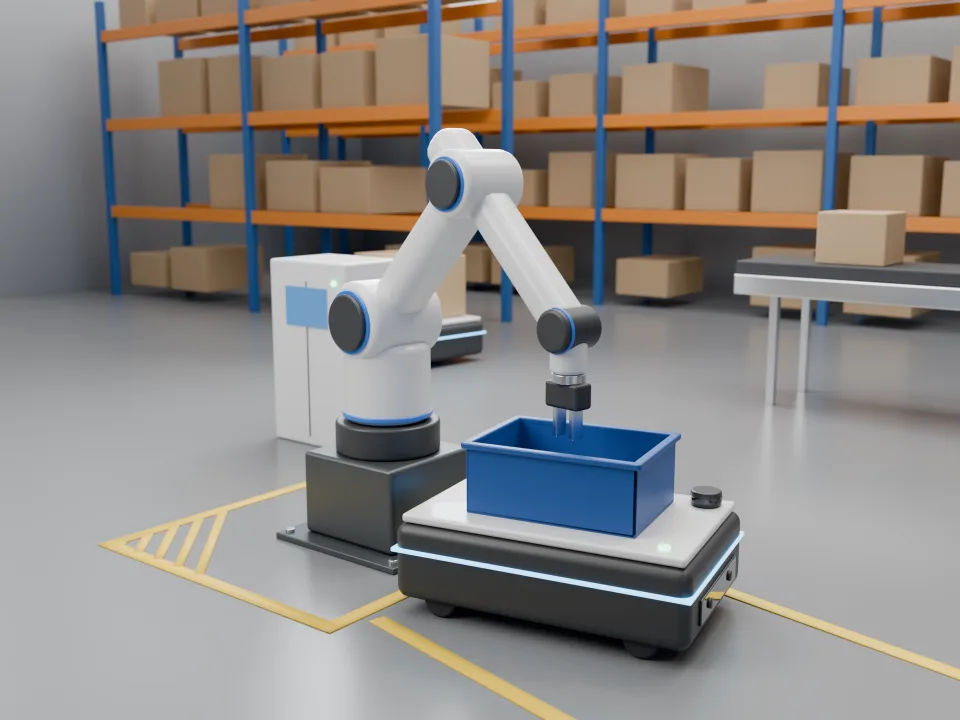
A white six-axis robot arm in a robot cell marked with yellow floor lines picks a part from the blue tote on an autonomous mobile robot; shelving and a conveyor in the background
The AMR brings the tote to the robot cell, the robot arm picks the part, and the AMR moves on to its next target. (Illustrative image)
Robot typesRobot arm, SCARA, Cartesian axis, AMR
SoftwareROS 2, MoveIt 2, Nav2, ros2_control
ConnectionPLC, MES / ERP, web dashboard, REST and WebSocket

Concepts first

A robot is not a single machine; it is a system in which mechanics, electronics and software work together.

In a factory, the word “robot” usually brings to mind only the robot arm. Yet a robot system that does real work on the shop floor consists of the mechanics and motors that create motion, the electronic boards that drive the motors, the sensors that perceive the surroundings, the control computer that makes decisions, the software infrastructure that ties them together, and the safety equipment that protects the operator.

If any one of these layers is not chosen for the business's real needs, even the most expensive robot will not deliver the expected results. Below we explain each layer together with the questions to ask when making a decision. We cover artificial intelligence and machine vision separately on our robotic automation with ROS 2 and AI page.

01

Which parts make up a robot system?

Whatever the type of robot, every robot project has the same layers. A choice in one layer directly affects the others: the payload and speed determine the motor, the motor determines the driver board, and the driver board determines which interface the control software uses.

  • Mechanics: body, axes, gearboxes, bearings, gripper or vacuum end effector
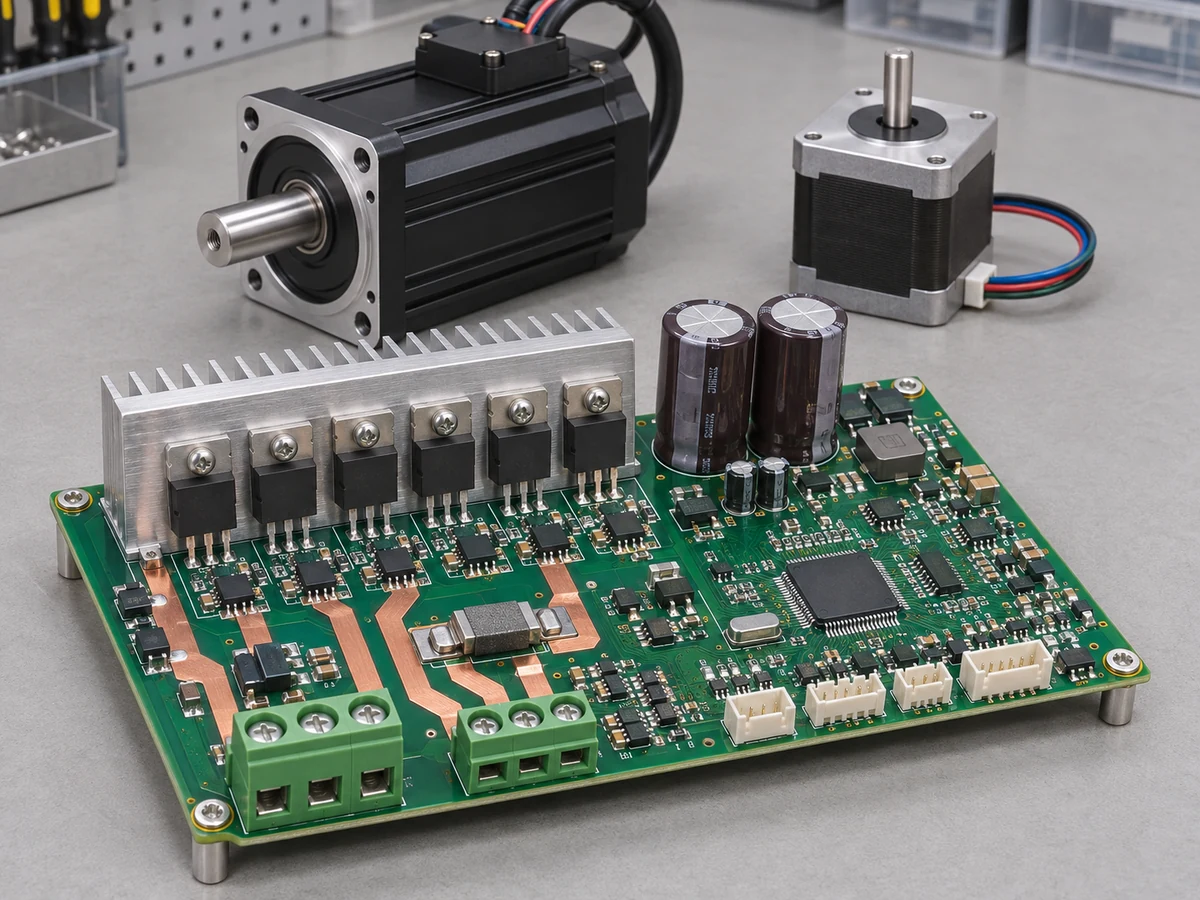
  • Actuators and drives: servo, stepper or brushless DC motors, motor driver boards and brakes
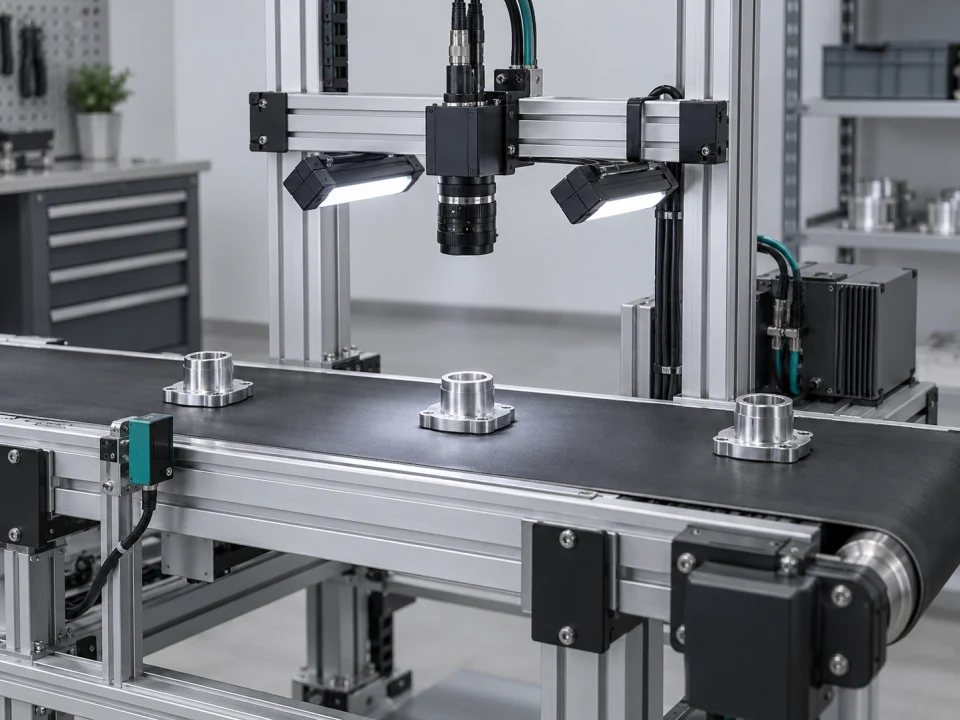
  • Sensors: encoders, force-torque sensors, lidar, 3D cameras, ultrasonic and proximity sensors
  • Control computer: real-time controller, industrial PC or embedded Linux board; a GPU if machine vision is needed
  • Software: motion planning, navigation, task management, operator interface and logging
  • Safety: emergency stop, safety PLC, safety laser scanner, light curtain, speed and zone limiting

A robot is usually only as reliable as its weakest layer. That is why we plan the electronics and software architecture, cable routing and maintenance access together before the mechanical design is finished.
02

When is a custom robot arm needed? Off-the-shelf robots versus custom design

There are many off-the-shelf industrial robot arms and collaborative robots (cobots) on the market, and for many applications they are the right starting point. Completing an off-the-shelf robot arm with a task-specific gripper, sensors and software is the fastest and lowest-risk route in most projects.

A custom robot arm makes sense when off-the-shelf robots do not fit in terms of size, weight, environment or cost:

  • A tight space inside a machine or an unusual working envelope
  • Tasks that need only a few axes: 2–4-axis Cartesian or SCARA-like structures can be simpler and more economical than a 6-axis arm
  • Environments such as food, chemicals, dust or high temperature that push the protection rating of a standard robot
  • Arms that will be integrated into a machine as a product and built in series
  • Cases where the motion axes should be combined with the existing machine's control system on a single board

Before deciding, the following values need to be clarified: payload (how many kilograms including the gripper), reach (the farthest point the arm must reach), degrees of freedom (how many axes and which orientations), repeatability (how precisely the arm returns to the same point) and cycle time. These values largely determine which robot type is suitable in the comparison table at the end of this page.

In a custom arm, the most critical parts are the joint drives and the driver electronics. We select the gearbox, motor and encoder together with the driver board, communication (for example EtherCAT or CAN) and brake control. Once the arm is described in ROS 2 through ros2_control, it can be used with ready-made motion planning tools such as MoveIt 2.

03

How does an autonomous mobile robot (AMR) that travels to a target and back work?

An autonomous mobile robot (AMR) is a wheeled robot that picks up material at one point, takes it to a defined target and returns to its starting point or charging station when the task is done. Classic AGVs (automated guided vehicles) follow a fixed route using magnetic tape, guide wires or markers on the floor. An AMR, by contrast, plans its own path using a map of the facility and can drive around obstacles in its way.

An AMR task typically runs through these steps:

  • Mapping (SLAM): the robot is driven through the facility once, and a map is built from lidar and wheel encoder data
  • Localisation: while working, the robot compares lidar measurements with the map to calculate where it is at every moment
  • Task: a task such as “pick up the tote at station A, drop it at cell B, return” comes from software, a button or the production system
  • Path planning: the robot plans the best route to the target; at obstacles such as people or forklifts it slows down, stops or calculates a new path
  • Docking and transfer: it docks precisely at the station; the load is transferred by conveyor, lift table or robot arm
  • Charging: when the battery level drops, it drives to the charging station on its own
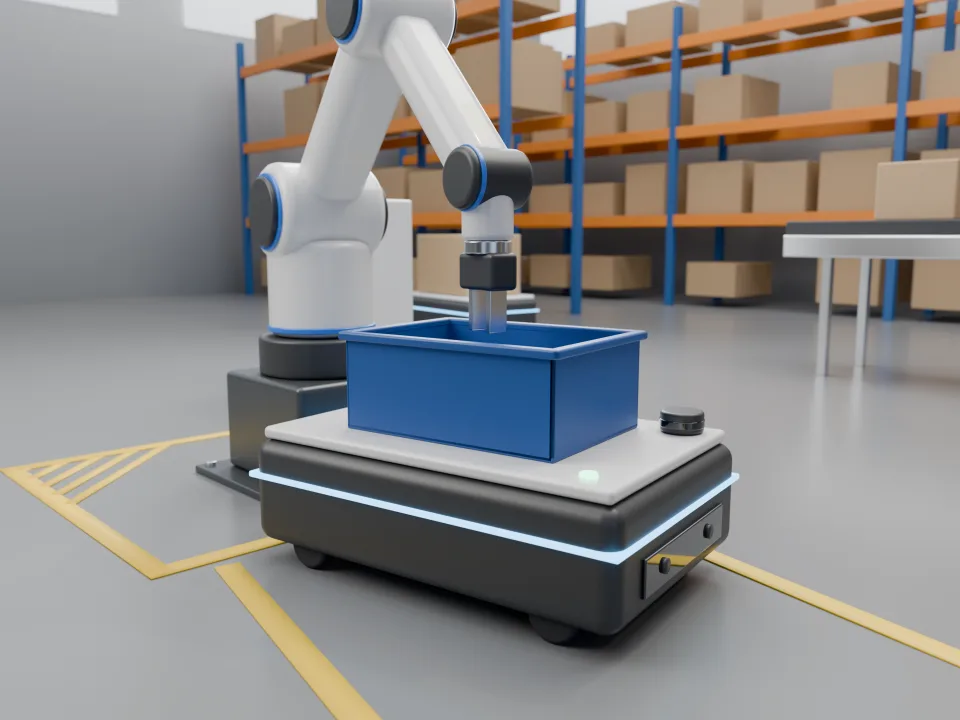
The gripper of a robot arm reaches into the tote on an autonomous mobile robot with a blue LED strip; sensor window on the front of the mobile robot, lidar on top
The AMR finds its position with its lidar; when it docks at the cell, the robot arm picks up the load. (Illustrative image)

On an AMR, safety is handled separately from navigation. Vehicles working in the same area as people use safety-rated laser scanners, emergency stop buttons and protective fields that grow with speed. The requirements of standards such as ISO 3691-4 for driverless industrial trucks are determined through a risk assessment at the start of the project.

04

What is ROS 2 (Robot Operating System)?

Although its name contains “operating system”, ROS 2 is not an operating system like Windows or Linux. It is an open-source middleware, library and tool set for developing robot software; in industrial applications it usually runs on Ubuntu Linux. ROS 2 lets the programs that control different parts of a robot communicate with each other in a standard way.

Think of it as a team in a factory: the lidar driver, camera, navigation, motor control and task manager are separate programs. ROS 2 gives these programs a common language and messaging infrastructure, so the whole system does not have to be rewritten when one part changes.

  • Node: a program that does one job, for example a lidar driver or a motor controller
  • Topic: a continuous data stream such as lidar scans, camera images or velocity commands
  • Service: short request-response calls, for example “open the gripper”
  • Action: long-running tasks whose progress can be monitored and which can be cancelled, for example “go to point B”
  • Parameter: settings such as a speed limit or robot dimensions that can be changed at runtime

For communication, ROS 2 uses the DDS (Data Distribution Service) standard, which is also used in industry. Computers on the same network discover each other without a central server, and reliability and latency settings (QoS) can be tuned to network conditions. Support for the first-generation ROS 1 ended in May 2025; new projects use the long-term support (LTS) releases of ROS 2.

05

Ready-made ROS 2 building blocks for robot arms and autonomous mobile robots

The real strength of ROS 2 lies in the mature open-source packages around it. Instead of writing every part of the robot from scratch, these packages are configured for the task, and custom development is reserved for what is truly specific to the business.

  • ros2_control: hardware abstraction layer for motors, encoders and driver boards; the point where custom electronics connect to ROS 2
  • MoveIt 2: motion planning, collision checking and inverse kinematics for robot arms
  • Nav2: localisation, path planning, obstacle avoidance and task flow for mobile robots
  • SLAM tools: building a facility map from lidar data
  • micro-ROS: lets sensor and motor boards running on microcontrollers join the ROS 2 network directly
  • Gazebo and RViz: testing the robot in simulation before the hardware is ready and visualising data
  • rosbag2: recording sensor and command data in the field and replaying a fault in the office

Our work is mostly the bridge between these building blocks and the physical world: designing robot-specific motor driver and sensor boards, developing the ros2_control hardware interface or micro-ROS firmware for them, and validating the system in simulation before taking it to the field.

06

What are robot web services? Managing robots from a browser and factory software

Robot web services are interfaces that make a robot's status and tasks accessible through web technologies. An operator assigns a task to the robot from a tablet browser, the maintenance team sees battery and error logs, and the MES or warehouse management system automatically receives work order status from the robots. Users do not need to install any special program on their computers.

  • rosbridge and WebSocket: expose ROS 2 topics and services to the browser as JSON messages; the live map, robot position and camera image are shown on a web page
  • REST API: turns operations such as “create task”, “robot status” and “task history” into simple endpoints that ERP, MES or warehouse software can call
  • Fleet management: task distribution across several AMRs, traffic and intersection management, charging order and reporting
  • MQTT and OPC UA: transferring robot data to IoT platforms and factory automation systems; the MQTT-based VDA 5050 interface for AGV / AMR fleets

Web access brings convenience but also increases security responsibility. Instead of exposing ROS 2's internal communication directly to the internet, we set up a gateway with authentication and encrypted connections (TLS), separate the robot network from the office network, and restrict motion commands to authorised users and defined zones.

07

Safety and integration with PLCs and factory systems

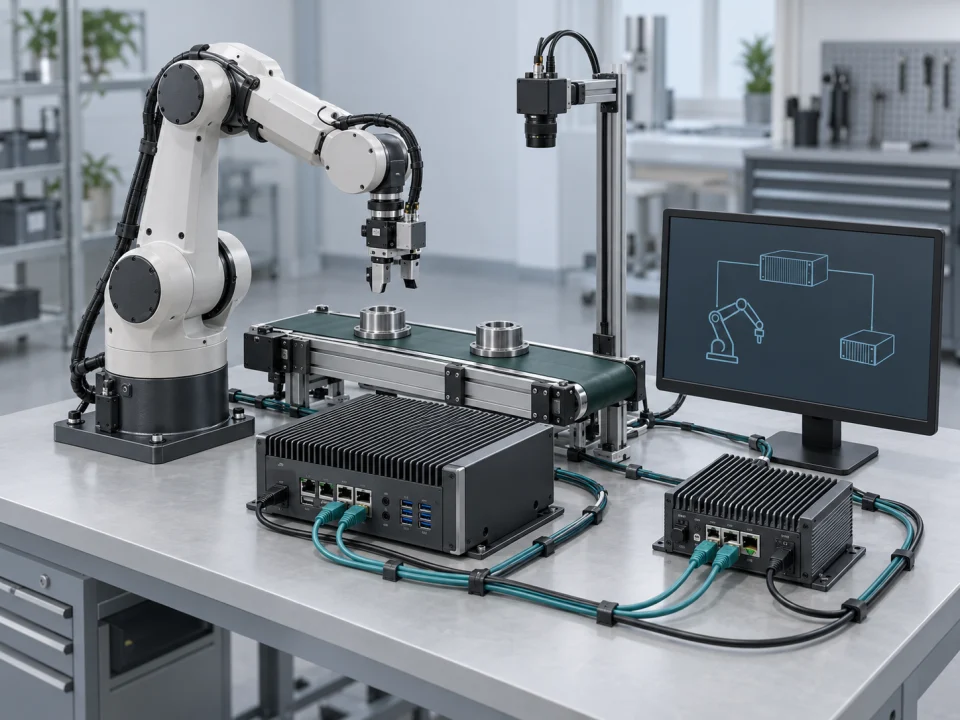
A robot is part of the line it works on. It has to operate in step with conveyors, presses, CNC or packaging machines, and these machines are usually controlled by PLCs. In a sound architecture, safety functions (emergency stop, door interlocks, light curtains) remain in the safety PLC or certified safety relays; ROS 2 and the robot software handle planning and task management on top of this layer.

  • PLC communication: status and permission signals over Modbus TCP, PROFINET, EtherNet/IP or OPC UA
  • Axis communication: EtherCAT, CANopen or RS-485
  • Robot cell safety: the requirements of the ISO 10218 series for industrial robots and collaborative applications are determined through a risk assessment
  • Logging and traceability: every task, error and operator intervention stored with a timestamp

To avoid stopping production when adding a robot to a running plant, we proceed in stages: first in simulation, then with a pilot in a single cell, and finally rolling out to the whole line.

Comparison

Robot arm types and mobile robots: which one for which job?

The right robot type is chosen according to payload, reach, speed and working area. The table gives general guidance; the final choice is made with on-site measurements.

Typical use, strengths and points to watch for each robot type
Robot typeTypical useStrengthPoint to watch
Articulated (6-axis) robot armMachine tending, assembly, welding, paintingLarge working area, reaches any orientationRequires more complex control and a safety cell
SCARAElectronics assembly, fast pick and placeVery fast and precise in the horizontal planeLimited vertical motion and orientation
Cartesian (linear axes)Dispensing, palletising, CNC loadingSimple, rigid, can be built to custom dimensionsIts footprint is larger than its working area
Delta robotSorting light products in food and packagingVery high speedLow payload
Collaborative robot (cobot)Assembly, inspection and packaging alongside peopleEasy programming; may work without fencing, depending on the risk assessmentSpeed and force limits can lengthen cycle time
AGVRepetitive material transport on fixed routesPredictable and simpleRoute changes require work on the floor
AMRMaterial transport on changing routesFlexible map-based routes, obstacle avoidanceRequires wireless network coverage and software infrastructure

Project process

From requirement to working robot

A robot project starts with defining the task, before the robot itself.

  1. 01

    We define the task

    Together on site, we work out the load to be handled, cycle time, area dimensions, safety conditions and acceptance criteria.

  2. 02

    We test in simulation

    We verify the robot type, reach and routes in simulation and define the electronics and software architecture.

  3. 03

    Prototype and pilot

    We prepare the driver boards, ROS 2 software and web interface, and run a pilot in a single cell or on a single route.

  4. 04

    We commission and hand over

    We put the system into service with operator training, maintenance documentation and acceptance tests; the scope of delivery is defined in writing from the start.

Frequently asked questions

About robot technologies

A short video of the task, the area dimensions and details of the part to be handled speed up the first assessment.

Is ROS 2 an operating system?

No. ROS 2 (Robot Operating System) is an open-source robot software framework that runs on top of an operating system such as Linux, Windows or macOS. In industrial applications it usually runs on an industrial PC or embedded board with Ubuntu Linux.

Should we buy an off-the-shelf robot arm or have a custom one built?

If an off-the-shelf robot arm fits your task in terms of size, payload and environmental conditions, it is usually the best choice; in that case we design the gripper, sensors, software and integration. A custom arm makes sense for tight spaces, tasks that can be solved with few axes, harsh environments, or arms built in series for integration into your machine as a product.

What is the difference between an AGV and an AMR?

An AGV follows tape, wires or markers on the floor along a fixed route and stops and waits when an obstacle appears. An AMR plans its own route using a map of the facility, can drive around obstacles, and its route can be changed in software. AGVs suit fixed routes; AMRs are better for changing routes.

Can we connect our existing robots and machines to ROS 2?

In most cases, yes. Many robot manufacturers offer official or community-developed ROS 2 drivers; for devices without a driver, bridge software is developed using the manufacturer's communication interface or via the PLC. Safety functions remain in the existing safety system.

Are robot web services secure?

When set up correctly, yes. The robot's internal communication is never exposed directly to the internet; access is provided through an authenticated, encrypted gateway, the robot network is separated from the office network, and motion commands are limited to authorised users.

What is delivered at the end of the project?

The scope of delivery is defined in writing at the quotation stage. It typically includes electronic board files, ROS 2 packages and configurations, the web interface, user and maintenance documentation, and acceptance test reports.

Let's talk about your robot project

Tell us what the robot should do, and we will choose the right technology together.

Share a short video of the task, the area dimensions and details of the part to be handled; we will prepare a roadmap for the robot type, software architecture and integration.

We develop products for companies, manufacturers and institutions. We do not take on student, thesis or hobby projects, or requests for PCB fabrication/assembly only, board repair or board copying.